
Introduction
Digital devices play a major role in work and study. Students, remote workers, teachers, and business users rely on devices to write documents, attend online meetings, store files, and access online platforms. Two common device choices are laptops and tablets. Both devices provide internet access, applications, and tools that support productivity and learning.
The decision between a laptop and a tablet depends on tasks, workflow, portability needs, and software requirements. In 2026, both device categories continue to evolve with new processors, operating systems, cloud services, and application ecosystems. Understanding how laptops and tablets differ helps users select the device that supports their work and study requirements.
This guide explains the differences between laptops and tablets in terms of performance, portability, software support, productivity tools, battery life, cost, and use cases.
Understanding Laptops
A laptop is a portable computer that includes a keyboard, display, processor, memory, and storage in a single device. Laptops run operating systems such as Windows, macOS, or Linux. These systems support a wide range of desktop software and development tools.
Laptops support tasks such as:
- Document writing
- Spreadsheet work
- Coding and software development
- Graphic design
- Video editing
- Data analysis
- Online research
- Remote meetings
Most laptops include a physical keyboard and trackpad, which allows faster typing and navigation compared to touchscreen devices.
Modern laptops also support external devices including monitors, keyboards, mice, storage drives, and printers. This expands the system into a full workstation.
Understanding Tablets
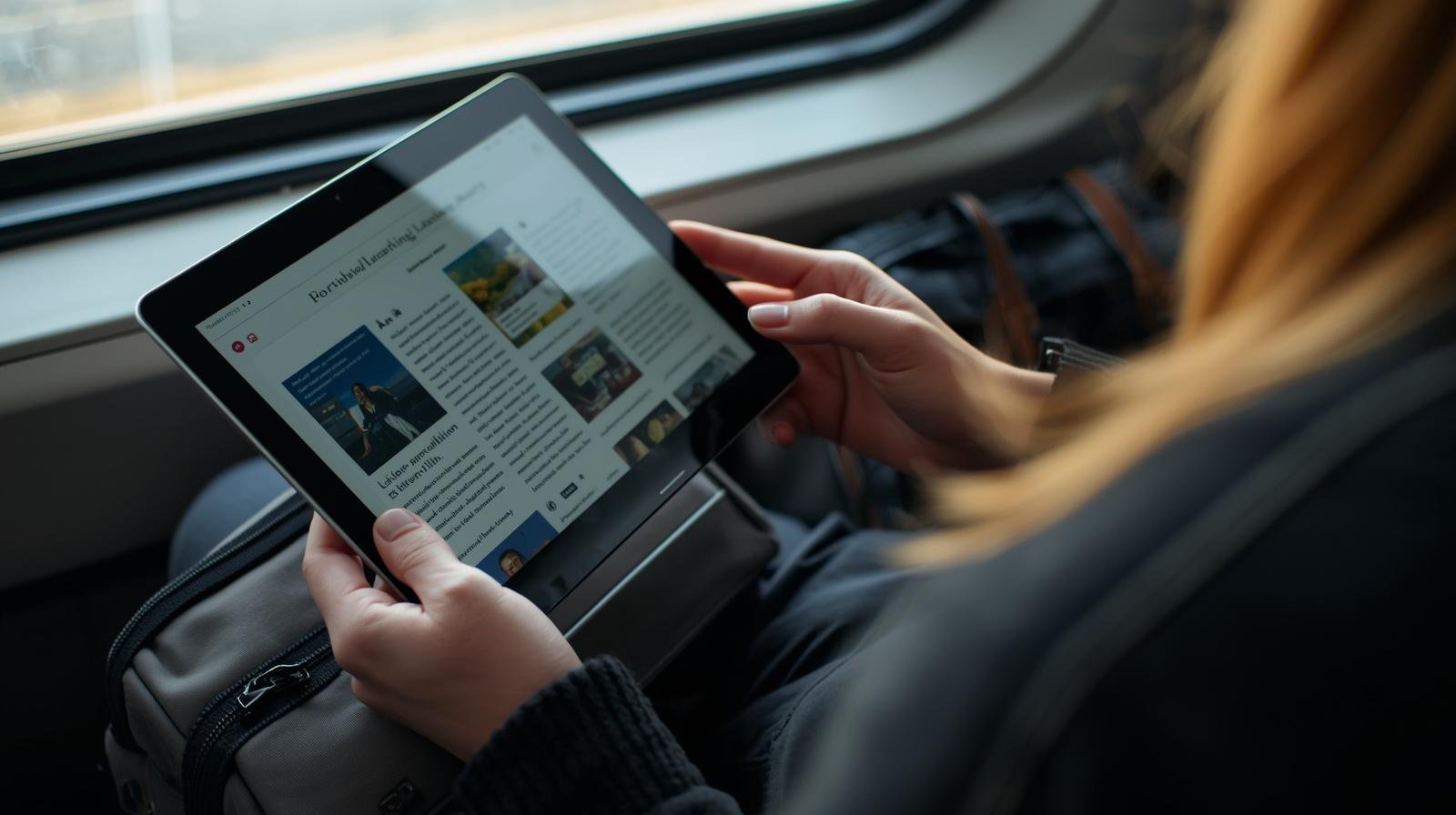
A tablet is a touchscreen device designed for portability and quick interaction. Tablets run mobile operating systems such as Android or iPadOS. These systems focus on touch navigation and mobile applications.
Tablets support tasks such as:
- Web browsing
- Online learning
- Reading documents
- Video streaming
- Note taking with stylus
- Online meetings
- App-based work tools
Many tablets support accessories such as keyboards and stylus pens. This allows the device to function as a light productivity tool.
Tablets are commonly used by students, travelers, teachers, and content consumers because of their light design and touch interface.
Laptop vs Tablet: Performance Comparison
Performance is a major factor when choosing between a laptop and a tablet.
Laptop Performance
Laptops contain full desktop processors. These processors provide higher processing power for tasks that require computing resources.
Examples of heavy tasks include:
- Video editing
- Software development
- Data analysis
- Large document editing
- Running multiple programs
Laptops also support higher memory capacity and larger storage drives.
This allows users to run many programs at the same time without slow performance.
Tablet Performance
Tablets use mobile processors designed for efficiency and battery life. These processors handle mobile applications well but have limits when running complex software.
Tablets perform well for tasks such as:
- Browsing websites
- Watching video
- Using productivity apps
- Reading files
- Note taking
However, running large desktop applications is usually not possible on most tablets.
For users who require heavy computing tasks, laptops remain the stronger choice.
Portability and Mobility
Portability plays a large role in device selection for students and workers.
Laptop Portability
Laptops are portable compared to desktop computers, but they are larger and heavier than tablets. Most laptops weigh between 1.2 kg and 2.5 kg depending on size and hardware.
Carrying a laptop requires a bag and workspace to open the device.
Despite this, laptops still support mobile work environments such as classrooms, offices, libraries, and travel locations.
Tablet Portability
Tablets provide higher portability. Most tablets weigh less than 700 grams.
They can be used in multiple positions including:
- Handheld use
- Desk use with stand
- Note taking with stylus
- Reading while traveling
Because of their size and weight, tablets are easier to carry throughout the day.
Students who move between classes often prefer tablets for this reason.
Keyboard and Input Experience
Input methods affect productivity and work efficiency.
Laptop Input
Laptops include a built-in keyboard and trackpad. These allow fast typing and accurate cursor control.
Tasks that benefit from laptop input include:
- Writing long documents
- Programming
- Spreadsheet editing
- Email management
Physical keyboards support typing speed and long writing sessions.
Tablet Input
Tablets use touchscreen input. Users type through a virtual keyboard on the screen.
External keyboards can connect through Bluetooth or accessory ports. This improves typing but still may not match laptop keyboard comfort.
Stylus input is one area where tablets perform well. Many students use stylus pens to write notes, draw diagrams, and annotate documents.
For note writing and drawing, tablets offer strong usability.
Software and Application Support
Software compatibility is one of the largest differences between laptops and tablets.
Laptop Software Ecosystem
Laptops support desktop software programs used in education and professional work.
Examples include:
- Office software
- Programming tools
- Design software
- Data analysis platforms
- video editing programs
These programs often require strong processing power and large screen space.
Desktop operating systems also support file management and multitasking features that help manage complex workflows.
Tablet Application Ecosystem
Tablets use mobile applications from app stores.
Many productivity tools exist as mobile apps, including:
- note taking apps
- document editing apps
- communication platforms
- cloud storage apps
However, some desktop programs do not have full mobile versions.
This means certain professional tasks cannot be completed on tablets.
Users who depend on specialized software often choose laptops.
Multitasking and Workflow
Modern work environments require users to switch between applications and tasks.
Laptop Multitasking
Laptops support multiple windows and programs running at the same time.
Users can:
- edit documents while viewing research material
- attend video meetings while taking notes
- run development tools alongside testing software
Operating systems allow window management and task switching.
This improves productivity for complex tasks.
Tablet Multitasking
Tablets support limited multitasking features.
Most tablets allow split-screen view between two applications. Some models allow floating windows.
While this helps basic productivity tasks, it does not match the multitasking flexibility available on laptops.
Users who rely on multiple software tools often prefer laptop systems.
Battery Life
Battery life affects how long a device can operate without charging.
Laptop Battery Life
Laptop battery life varies based on processor, display size, and workload.
Typical laptop battery life ranges between:
- 6 hours
- 10 hours
High performance tasks reduce battery duration.
Tablet Battery Life
Tablets focus on power efficiency.
Most tablets provide battery life between:
- 8 hours
- 12 hours
Because mobile processors consume less power, tablets often last longer during light tasks.
For travel and extended use away from charging points, tablets provide an advantage.
Storage and File Management
Storage systems also differ between laptops and tablets.
Laptop Storage
Laptops support larger storage drives including SSD storage.
Typical laptop storage sizes include:
- 256 GB
- 512 GB
- 1 TB
Users can store software, documents, media files, and large project files locally.
External storage devices such as USB drives and external hard drives also connect easily to laptops.
Tablet Storage
Tablet storage is usually smaller.
Typical tablet storage sizes include:
- 64 GB
- 128 GB
- 256 GB
Many tablet users rely on cloud storage services to store documents and files.
File management systems on tablets are simpler compared to laptop systems.
Cost Comparison
Budget plays an important role in selecting a device.
Laptop Cost
Laptop prices vary depending on hardware specifications.
Entry level laptops cost less but still support many productivity tasks.
High performance laptops cost more because of processors, graphics hardware, and storage capacity.
Tablet Cost
Tablets are available in several price ranges.
Basic tablets are often cheaper than laptops. However, adding accessories such as keyboard covers and stylus pens increases the total cost.
Some high end tablets approach the price of laptops.
When comparing costs, users should include accessories in the total budget.
Laptop Use Cases for Work and Study
Laptops are suitable for tasks that require computing power and full software support.
Common use cases include:
- university assignments
- programming courses
- research projects
- data analysis
- office work
- business communication
- content creation
- software development
Students studying engineering, computer science, or data science often rely on laptops because of software requirements.
Tablet Use Cases for Work and Study
Tablets support lightweight productivity and learning activities.
Common use cases include:
- reading digital books
- attending online classes
- note taking with stylus
- reviewing documents
- watching educational videos
- browsing learning platforms
Tablets also support digital note systems that replace paper notebooks.
Students in lecture based programs often benefit from stylus note taking.
Hybrid Devices: Laptop Tablet Combination
Some devices combine laptop and tablet features.
These devices are known as convertible laptops or hybrid devices.
They include:
- detachable keyboards
- touchscreen displays
- tablet mode and laptop mode
Users can type with a keyboard when writing documents and switch to tablet mode for reading or drawing.
Hybrid devices attempt to provide flexibility between both device types.
Factors to Consider Before Choosing
Selecting the right device depends on personal needs and daily tasks.
Key factors include:
Type of Work
Users who perform technical or complex work benefit from laptop systems.
Study Requirements
Students who write long assignments or run specialized software require laptops.
Portability Needs
Users who travel frequently may prefer tablet portability.
Budget
Users should compare device cost including accessories.
Software Compatibility
Users must confirm that required software runs on the chosen device.
Laptop vs Tablet Summary
Laptops and tablets both support work and study tasks. Each device category offers different advantages.
Laptops provide:
- higher performance
- full desktop software support
- multitasking capability
- larger storage options
Tablets provide:
- higher portability
- longer battery life for light tasks
- touchscreen interaction
- stylus note taking
The best choice depends on how the device will be used.
